WordPress Site Speed Optimization Techniques
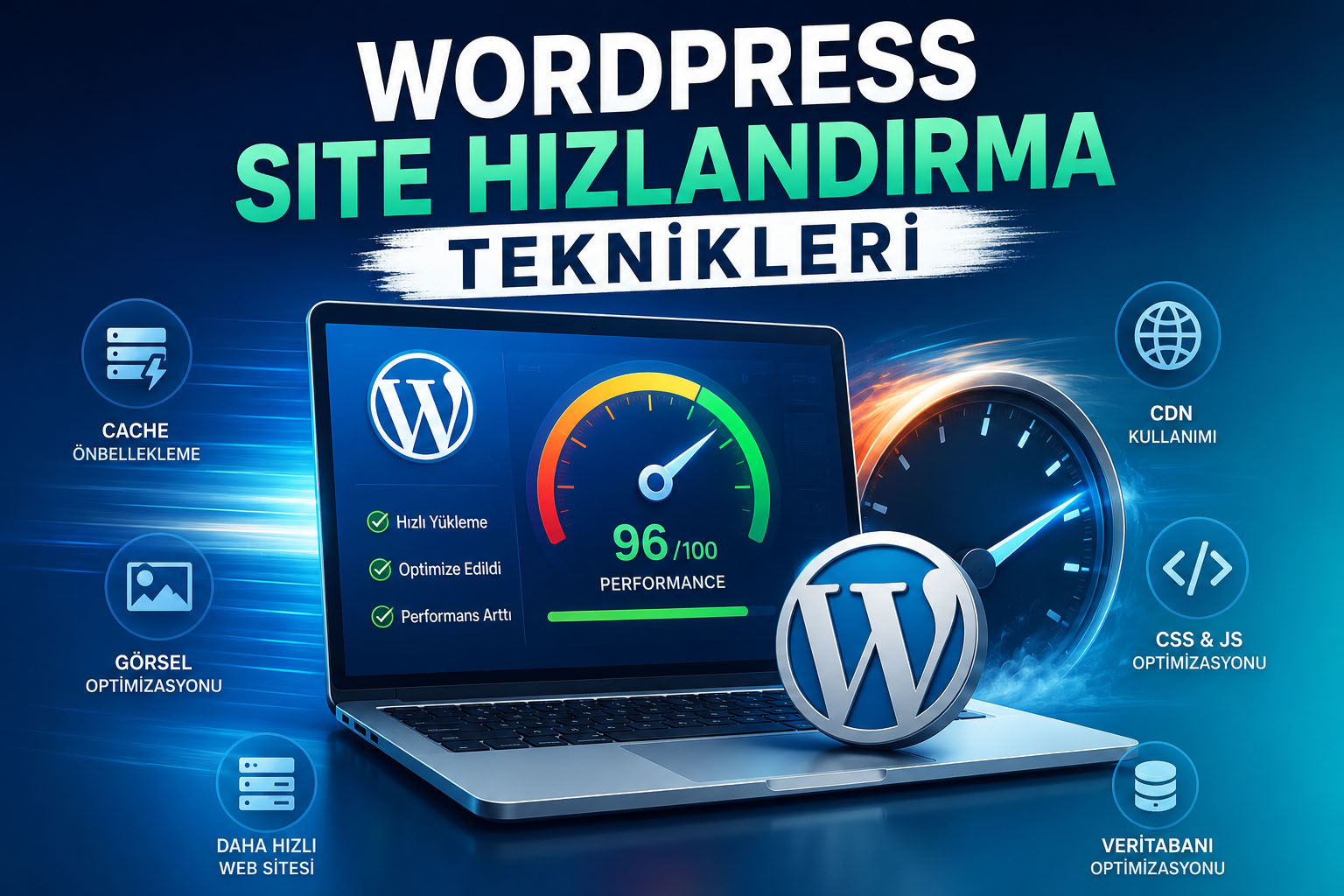
WordPress, the world's most popular content management system, allows you to create amazing projects with its flexible structure and rich plugin library. However, unoptimized plugins, large images, and low-quality server infrastructure can cause your website to load slowly. Considering that speed is a direct ranking factor in Google's Core Web Vitals metrics, a slow site means losing both users and SEO.
In this guide, we'll go step-by-step through the most effective and professional site speed optimization techniques to make your WordPress website lightning fast.
1. High-Performance Infrastructure and Up-to-Date PHP Selection
The foundation of speeding up your site starts with the server where your site is hosted. Older, shared hosting infrastructures cause your site to slow down or become unresponsive during peak times. Choosing cloud servers with a performance-oriented, pure NVMe SSD disk architecture is the first rule.
In addition, you must keep your PHP version up-to-date from your server panel (cPanel/Plesk). PHP 8.x versions process requests 20% to 30% faster than the older PHP 7.4 version and significantly reduce the CPU load on the server.
2. Create Advanced Caching Layers
WordPress is a dynamic structure; when a visitor enters your site, PHP code runs, queries are sent to the database, and the page is compiled instantly. Caching plugins, on the other hand, store this compiled page as a static HTML file in memory and present it to the next visitor at lightning speed without straining the database at all.
- LiteSpeed Cache: If your server has LiteSpeed architecture, it gives the most aggressive and clean result because it runs server-based.
- WP Rocket: A premium alternative that solves interface optimization, database cleaning and file minification operations with one click on Apache or Nginx servers.
3. Image Optimization and Transition to WebP Format
Raw images make up almost 60-70% of the total size (kilobytes/megabytes) of a web page. A 3-4 MB image uploaded directly from a digital camera or stock sites will completely cripple your site's mobile speed scores.
SEO Tip: Compress your images with tools like TinyPNG before uploading them. On your site, instead of traditional JPEG or PNG, use the WebP format, which is supported by Google and provides 30% more compression without sacrificing quality.
4. Minify CSS, JavaScript, and HTML Code
The themes and plugins you use leave behind thousands of lines of code. The spaces, line breaks, and comments within this code slow down browsers' ability to read the page.
Minifying code reduces file sizes by removing these unnecessary spaces. You can also set JavaScript files to "Defer" mode, allowing the page's visual design to appear instantly without waiting for the code to load.
5. Clean Up Unused Plugins and Database Junk
The "one plugin for every job" mentality is the biggest enemy of WordPress sites. Every plugin you install just for a small feature adds new tables to the database and places external CSS/JS requests in your site's header. Simply deactivating inactive plugins isn't enough; you must completely delete them from the server.
Also, post revisions (draft histories), deleted comments, and old plugin remnants accumulate over time and bloat the database. Optimizing your database once a month with tools like WP-Optimize or Advanced Database Cleaner will reduce query times to milliseconds.
Solve Speed Problems Completely!
Software optimizations only provide solutions up to a point; the real power lies in server quality. Meet Nixoda's high-performance, NVMe SSD-based cloud infrastructure.
Review Packages →